

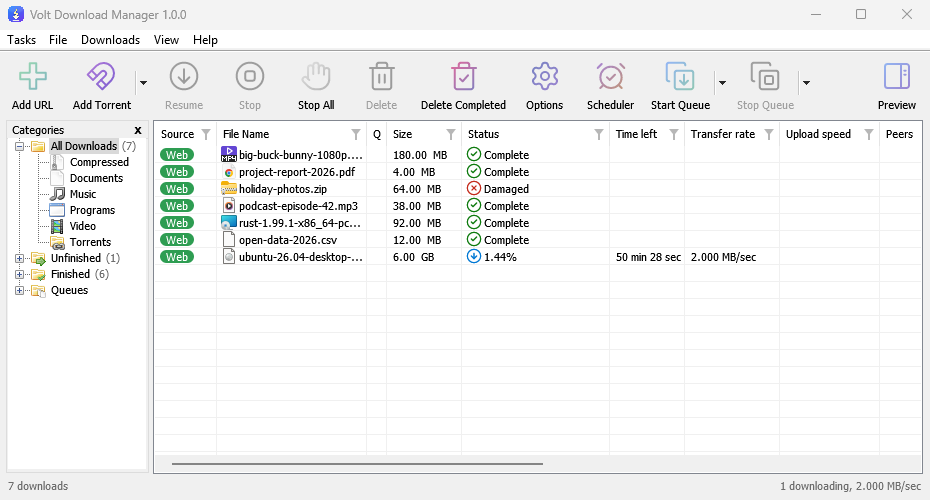
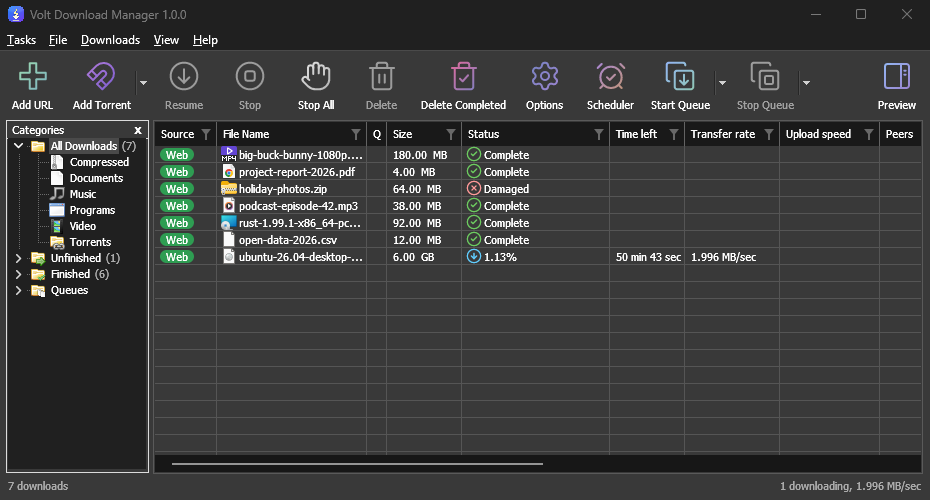
Windows: इसे पाने के तीन तरीके
On 64-bit Windows 10 and 11, VDM is the stable, recommended build. The download page offers three files:
- The installer (
setup.exe), the one to pick unless you have a reason not to. It installs for you alone without administrator rights, or for everyone, and can set up browser integration and open.torrentfiles and magnet links with VDM. - पोर्टेबल कॉपी (
portable.zip), जो किसी भी फ़ोल्डर से चलती है। - सादा ज़िप (
x64.zip), इंस्टॉलर के बिना वही प्रोग्राम।
सहायता → अपडेट के लिए जाँच करें → अभी अपडेट करें एक नया संस्करण डाउनलोड करता है, उसकी हस्ताक्षर की जाँच करता है, उसे सही जगह पर रखता है और पुनरारंभ करता है, सेटअप और दोनों ज़िप के लिए।
Windows on ARM और 32-बिट Windows
From version 0.6.0, the three files come for two more kinds of PC, with the processor
in their names: Windows on ARM (setup-arm64.exe, portable-arm64.zip, arm64.zip), for
PCs with a Snapdragon or another ARM processor, which then run VDM without Windows translating it;
and 32-bit Windows 10 (setup-x86.exe, portable-x86.zip, x86.zip). Update now keeps
each copy on its own processor's files. VDM downloads yt-dlp's own build for each, and ffmpeg's
for Windows on ARM; no ffmpeg is built for 32-bit Windows that VDM can check, so there you choose
your own in Helpers... for the best video qualities. Linux gets its four files for 64-bit
ARM computers too (linux-arm64).
पोर्टेबल: सब कुछ एक फ़ोल्डर में
Unzip the portable copy anywhere, a USB stick included. The download list, the settings, the
video helpers and torrent data stay in a data folder next to the program, and nothing is
written to the registry. Two things need the installer instead: starting with Windows, and
taking downloads from the browser, since both go through the registry. Carry VDM on a USB
stick shows the set-up.
Mac और Linux: आपको क्या मिलता है
x86-64 पर Linux के लिए (और संस्करण 0.6.0 से ARM64): अधिकांश वितरणों के लिए एक AppImage, Ubuntu, Debian, Mint और Pop!_OS के लिए एक .deb, Fedora, openSUSE और RHEL के लिए एक .rpm, और सामान्य प्रोग्रामों का एक .tar.gz। macOS 11 और बाद के संस्करणों के लिए, Apple Silicon या Intel पर, .dmg फ़ाइलें अभी भी -experimental के रूप में चिह्नित हैं। कृपया हमें बताएं कि यह कैसा रहा, अच्छा या बुरा।
There, VDM connects itself to your browsers at each start, has its tray icon, follows the
system's light or dark look and uses the system's fonts and ffmpeg. Running downloads show their
progress on VDM's icon, as on the Windows taskbar: in the macOS Dock, and in Linux docks that
can show it (Ubuntu Dock, Dash to Dock, KDE Plasma's task manager). The Mac app isn't notarized
by Apple yet, so macOS asks before its first start: right-click it and choose Open (on
macOS 15 and later, System Settings → Privacy & Security → Open Anyway). A .deb or .rpm
update opens in the system's installer. A few parts work only on Windows, and the help says so
where it matters.
Linux, चार डेस्कटॉप पर जाँच की गई
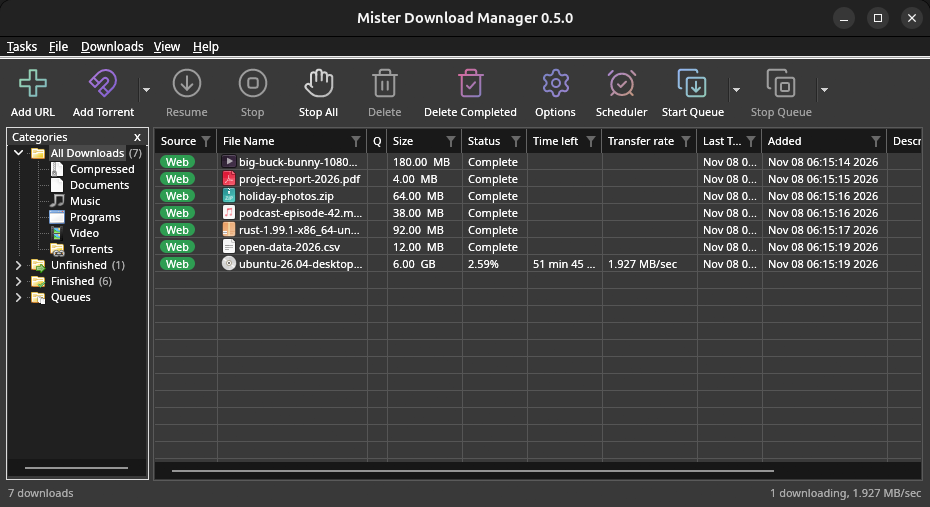
Linux isn't experimental any more, since version 0.5.0: every change is checked on a Linux
desktop as well as on Windows. GNOME, KDE Plasma, Xfce and Cinnamon were checked window by window: the tray icon and
its menu, Minimize to the notification area, Dark Mode support following the desktop, and the
browsers handing downloads over (Ubuntu's Snap Firefox, Google Chrome and Brave). A Wayland
session runs VDM through XWayland, so menus open under their titles, on tiling compositors such
as sway too. The .deb and .rpm were installed in clean Ubuntu 24.04, Debian 12 and Fedora 45
systems and bring everything VDM needs; from the AppImage or the .tar.gz, a missing library is
named at start with the command that installs it. Update now asks the package manager which
package VDM is.
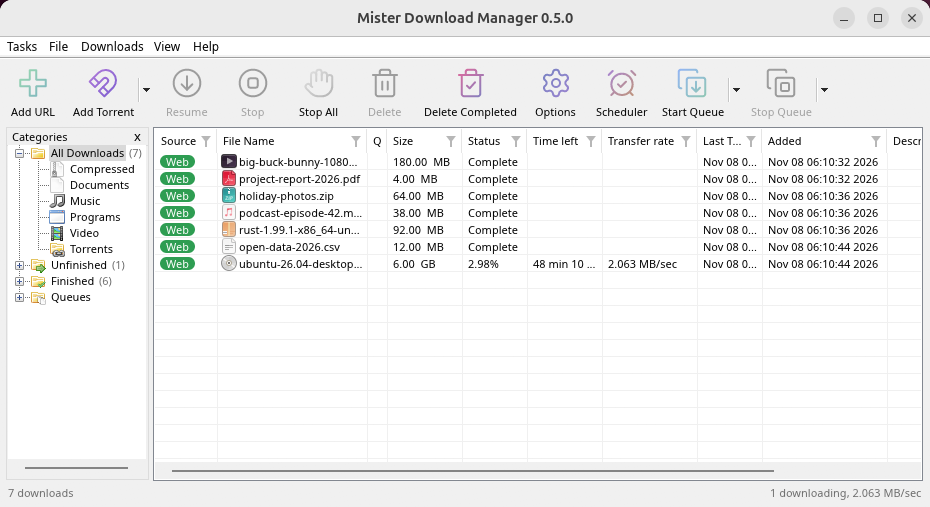
What's left: the Flatpak Firefox isn't checked yet; screen readers (Orca) don't read VDM's windows on Linux yet; and native Wayland windows can't place menus, so XWayland stays the default. macOS stays experimental: its builds are made and tested by GitHub Actions, not yet on a Mac of ours.
छोटे Mac डाउनलोड, हल्के Linux अपडेट
The Mac gets two smaller downloads, one for Apple Silicon and one for Intel, instead of one
universal .dmg of 80 MB. From 0.2.4 or older, update the Mac once by hand: Download in
Check for updates opens the release, where you pick your Mac's file. The AppImage can update
through AppImageLauncher, Gear Lever and AppImageUpdate, which fetch only the parts that changed.
Linux can draw with Vulkan and macOS with Metal, from View → Draw with, while OpenGL stays the
default there. In a Wayland session, VDM runs through XWayland so its menus open where you click.
मुफ़्त, ओपन सोर्स, कोई विज्ञापन नहीं, कोई ट्रायल नहीं।
Download Volt Download Manager