

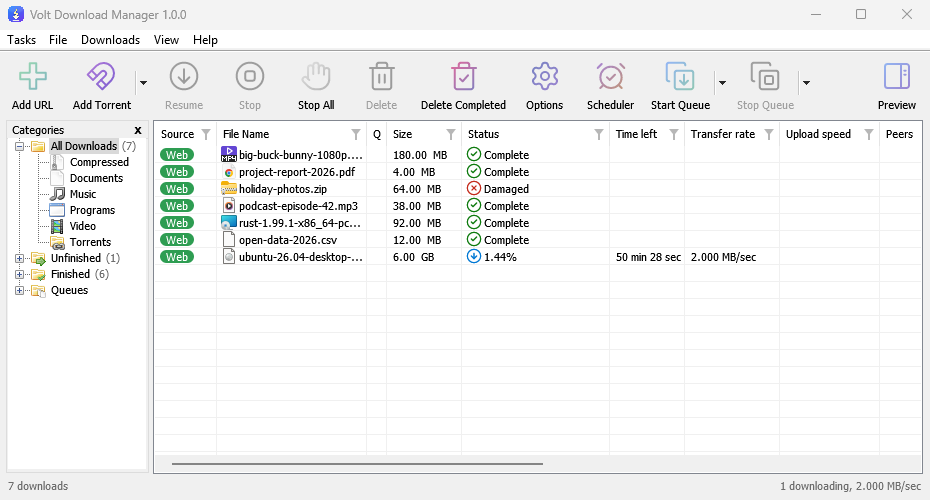
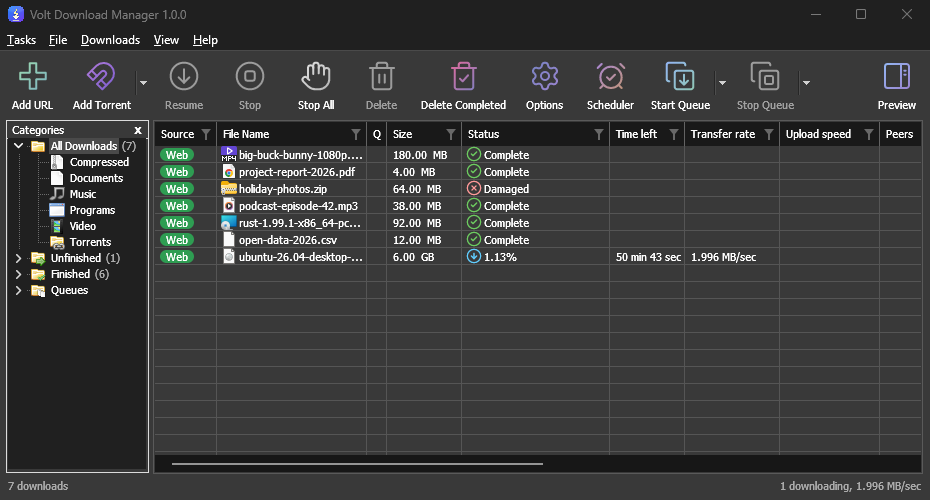
Windows: 세 가지 설치 방법
On 64-bit Windows 10 and 11, VDM is the stable, recommended build. The download page offers three files:
- The installer (
setup.exe), the one to pick unless you have a reason not to. It installs for you alone without administrator rights, or for everyone, and can set up browser integration and open.torrentfiles and magnet links with VDM. - 휴대용 복사본(
portable.zip): 어떤 폴더에서든 실행됩니다. - 일반 zip 파일(
x64.zip): 설치 프로그램 없이 동일한 프로그램이 들어 있습니다.
도움말 → 업데이트 확인 → 지금 업데이트를 선택하면 새 버전을 다운로드하고 서명을 확인한 다음 설치하고 다시 시작합니다. 이는 설치 프로그램과 두 가지 zip 파일 모두에 해당합니다.
ARM용 Windows 및 32비트 Windows
From version 0.6.0, the three files come for two more kinds of PC, with the processor
in their names: Windows on ARM (setup-arm64.exe, portable-arm64.zip, arm64.zip), for
PCs with a Snapdragon or another ARM processor, which then run VDM without Windows translating it;
and 32-bit Windows 10 (setup-x86.exe, portable-x86.zip, x86.zip). Update now keeps
each copy on its own processor's files. VDM downloads yt-dlp's own build for each, and ffmpeg's
for Windows on ARM; no ffmpeg is built for 32-bit Windows that VDM can check, so there you choose
your own in Helpers... for the best video qualities. Linux gets its four files for 64-bit
ARM computers too (linux-arm64).
휴대용: 모든 것이 한 폴더에
Unzip the portable copy anywhere, a USB stick included. The download list, the settings, the
video helpers and torrent data stay in a data folder next to the program, and nothing is
written to the registry. Two things need the installer instead: starting with Windows, and
taking downloads from the browser, since both go through the registry. Carry VDM on a USB
stick shows the set-up.
Mac 및 Linux: 제공되는 기능
x86-64용 Linux(버전 0.6.0부터 ARM64 포함): 대부분의 배포판용 AppImage, Ubuntu, Debian, Mint, Pop!_OS용 .deb, Fedora, openSUSE, RHEL용 .rpm, 그리고 일반 프로그램용 .tar.gz가 있습니다. macOS 11 이상(Apple Silicon 또는 Intel)의 경우, .dmg 파일은 여전히 -experimental로 표시됩니다. 좋든 나쁘든 경험을 알려주세요.
There, VDM connects itself to your browsers at each start, has its tray icon, follows the
system's light or dark look and uses the system's fonts and ffmpeg. Running downloads show their
progress on VDM's icon, as on the Windows taskbar: in the macOS Dock, and in Linux docks that
can show it (Ubuntu Dock, Dash to Dock, KDE Plasma's task manager). The Mac app isn't notarized
by Apple yet, so macOS asks before its first start: right-click it and choose Open (on
macOS 15 and later, System Settings → Privacy & Security → Open Anyway). A .deb or .rpm
update opens in the system's installer. A few parts work only on Windows, and the help says so
where it matters.
Linux, 네 가지 데스크톱에서 확인
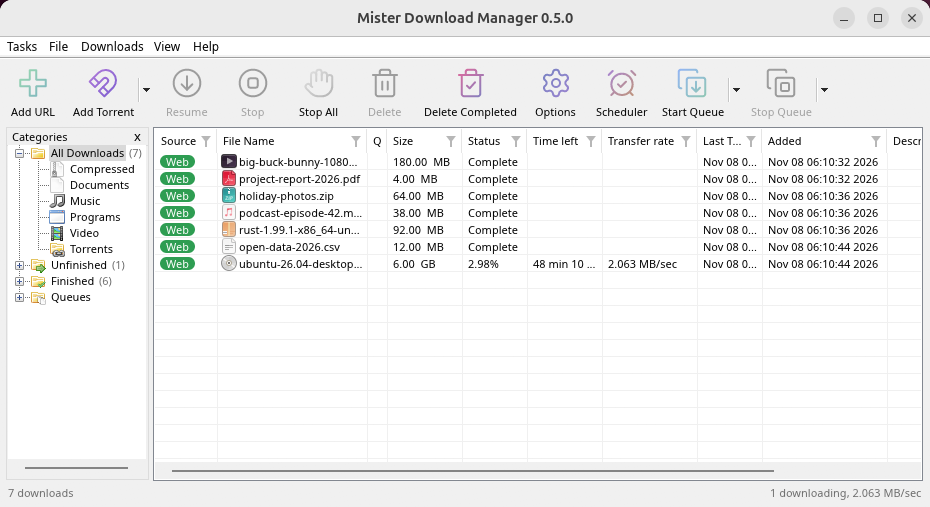
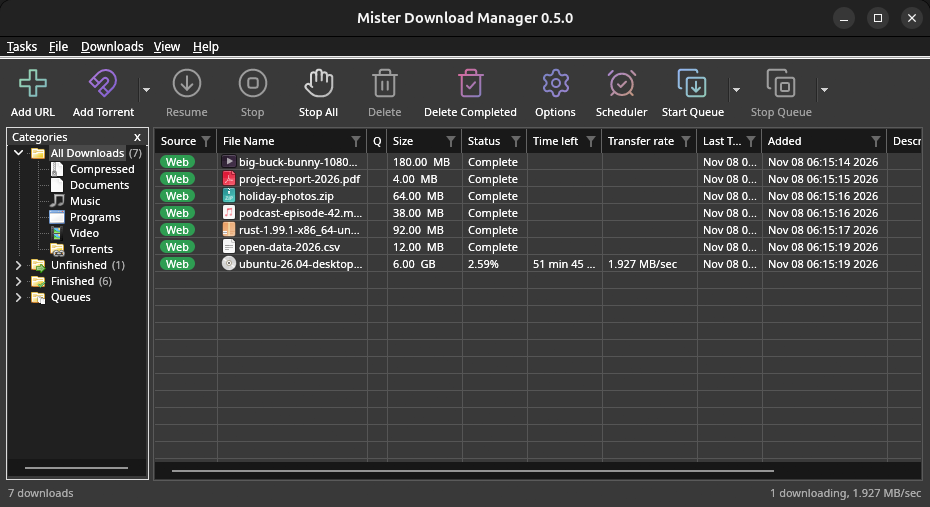
Linux isn't experimental any more, since version 0.5.0: every change is checked on a Linux
desktop as well as on Windows. GNOME, KDE Plasma, Xfce and Cinnamon were checked window by window: the tray icon and
its menu, Minimize to the notification area, Dark Mode support following the desktop, and the
browsers handing downloads over (Ubuntu's Snap Firefox, Google Chrome and Brave). A Wayland
session runs VDM through XWayland, so menus open under their titles, on tiling compositors such
as sway too. The .deb and .rpm were installed in clean Ubuntu 24.04, Debian 12 and Fedora 45
systems and bring everything VDM needs; from the AppImage or the .tar.gz, a missing library is
named at start with the command that installs it. Update now asks the package manager which
package VDM is.
What's left: the Flatpak Firefox isn't checked yet; screen readers (Orca) don't read VDM's windows on Linux yet; and native Wayland windows can't place menus, so XWayland stays the default. macOS stays experimental: its builds are made and tested by GitHub Actions, not yet on a Mac of ours.
더 작은 Mac 다운로드, 더 가벼운 Linux 업데이트
The Mac gets two smaller downloads, one for Apple Silicon and one for Intel, instead of one
universal .dmg of 80 MB. From 0.2.4 or older, update the Mac once by hand: Download in
Check for updates opens the release, where you pick your Mac's file. The AppImage can update
through AppImageLauncher, Gear Lever and AppImageUpdate, which fetch only the parts that changed.
Linux can draw with Vulkan and macOS with Metal, from View → Draw with, while OpenGL stays the
default there. In a Wayland session, VDM runs through XWayland so its menus open where you click.
무료, 오픈 소스, 광고 없음, 평가판 없음.
Download Volt Download Manager