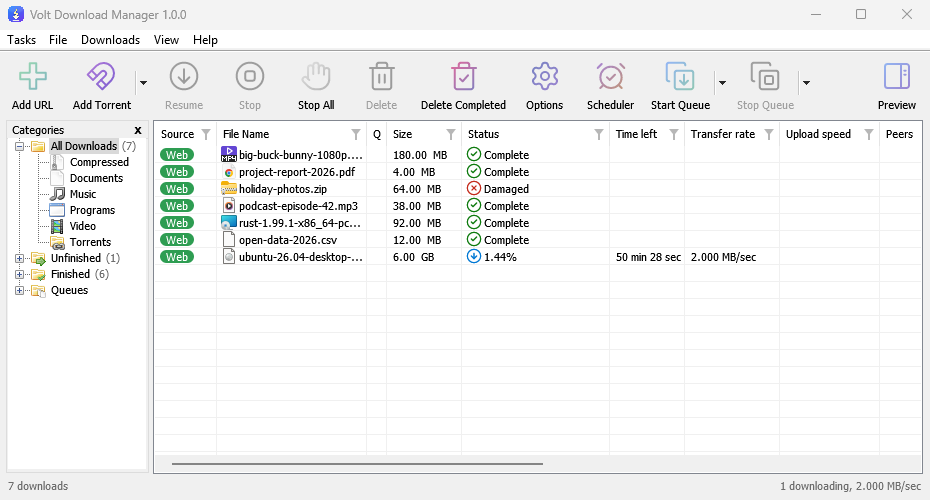
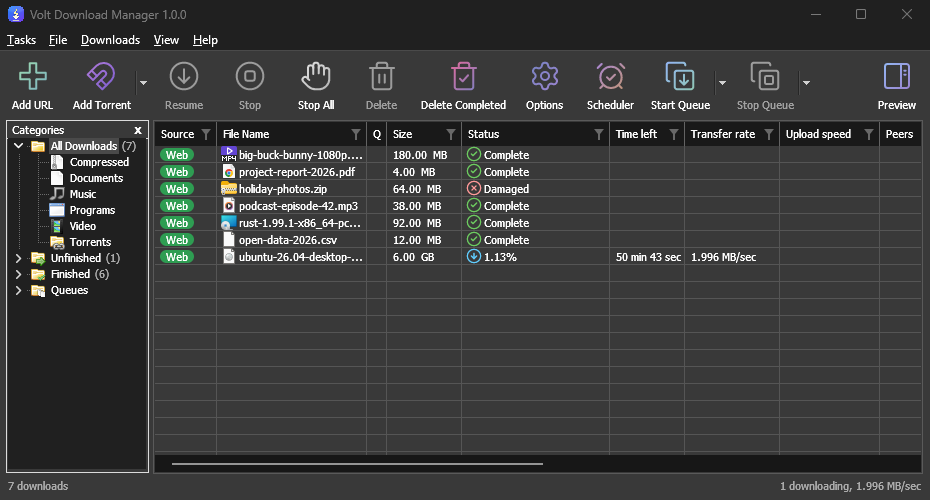
 Volt Download ManagerFree and open source · GPL-3.0
The download manager you already know. Rebuilt to be faster.
The free, open-source IDM alternative. Every connection at once, crash-safe resume, torrents and video in one list.
For Windows 10 and 11 · based on Mister Download Manager
Browser extension: comes with the app, for  Chrome
 Edge
 Brave
 Opera
- Postage
- Free
- Delivery
- 1 GiB in 1.0 s IDM: 5.5 s local test server
- System
- Windows 10 and 11
- Version
- 1.0.0 20.5 MB
Every window, rebuilt.
The one you know, down to the pixel. With torrents, video and 87 languages it never had.
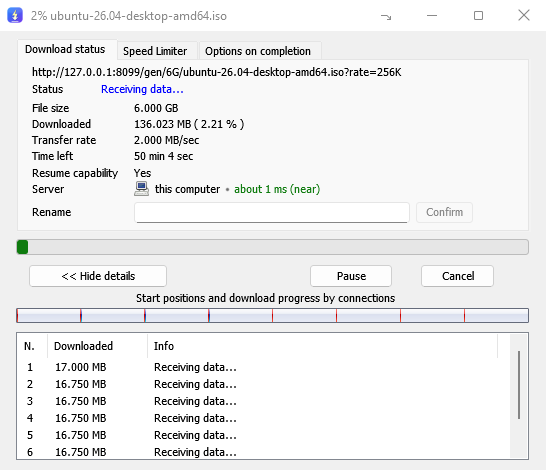
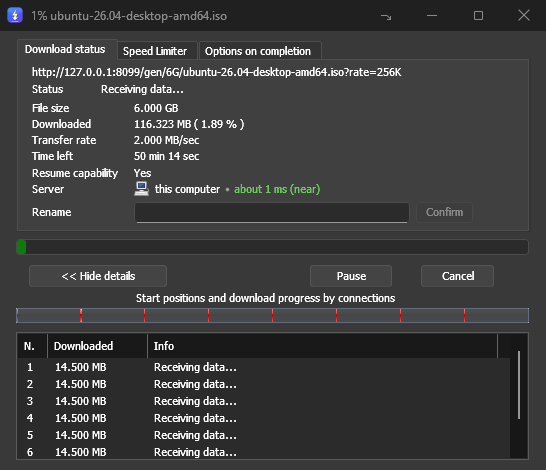
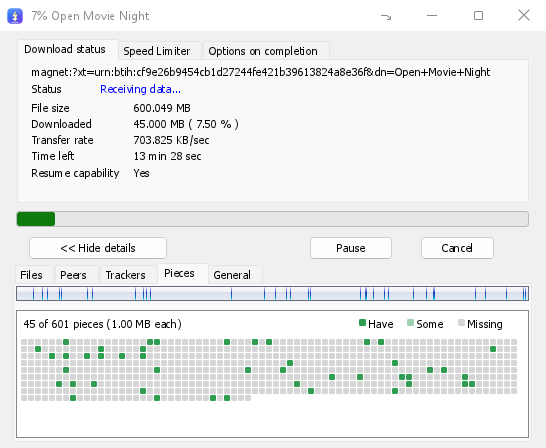
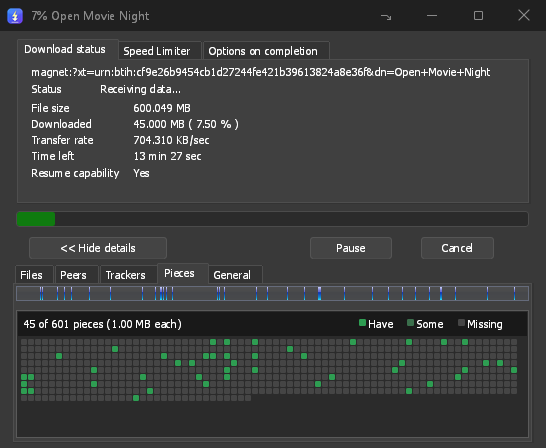
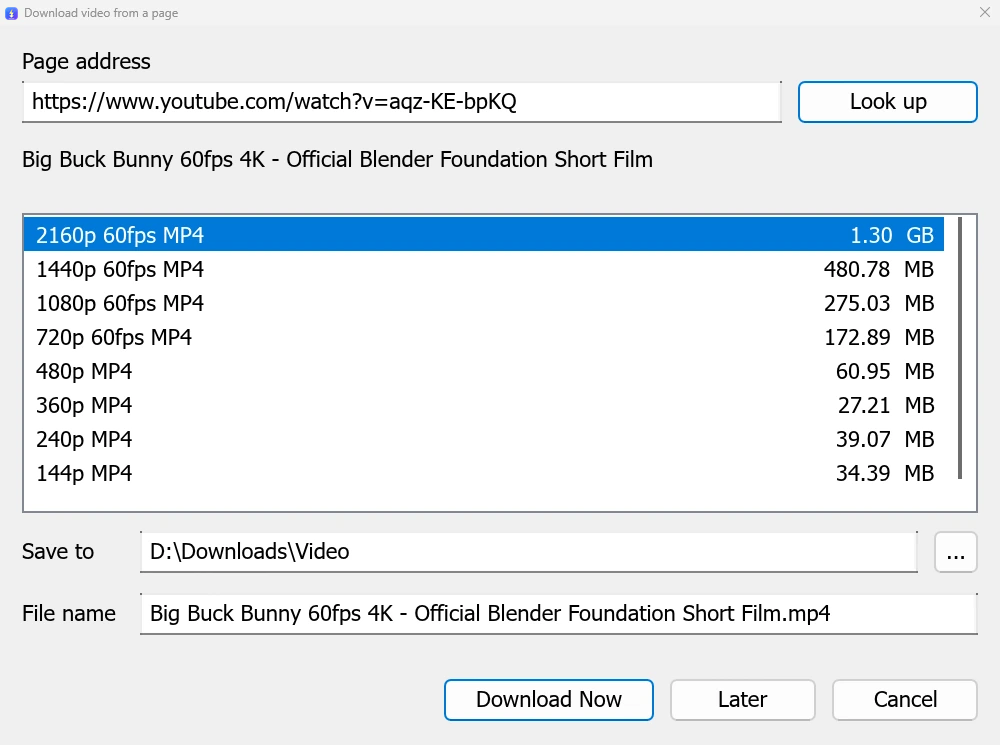
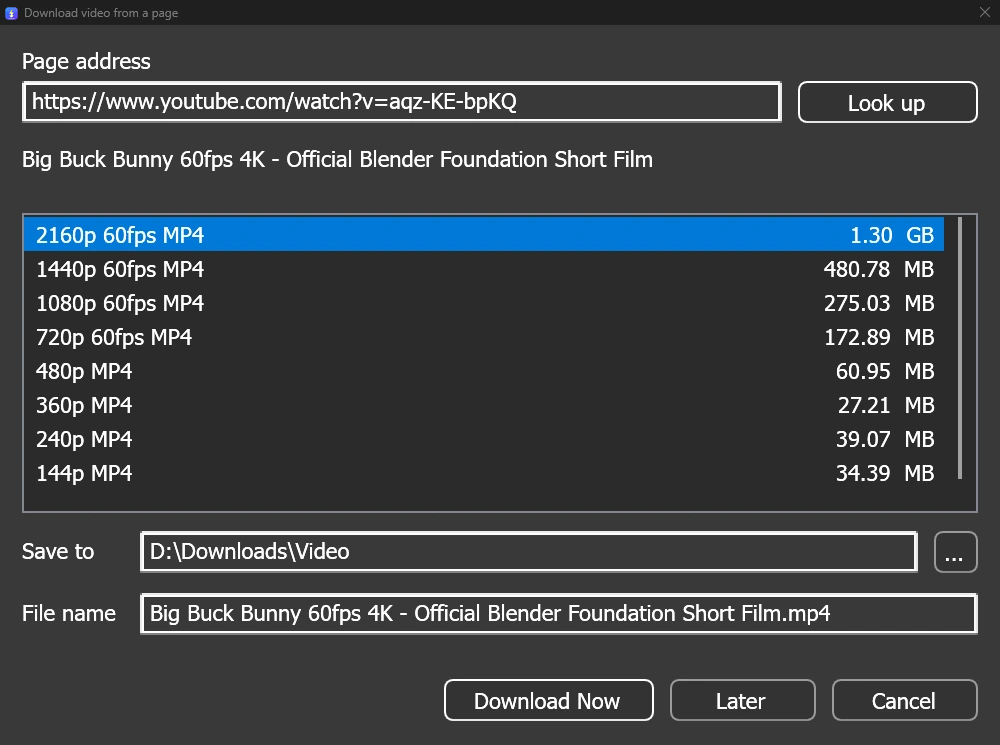
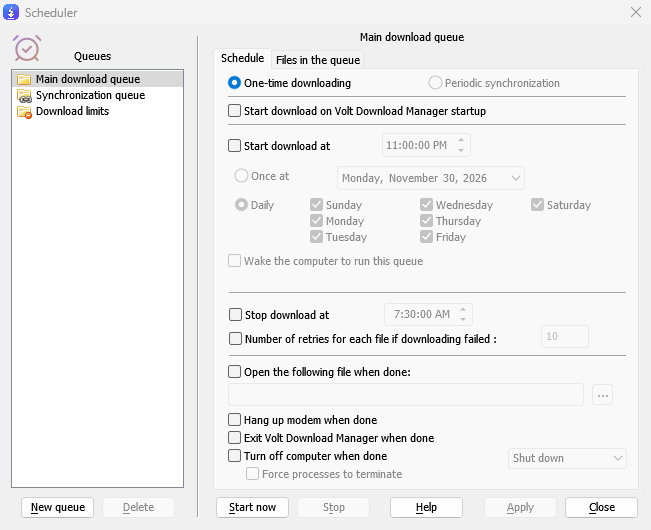
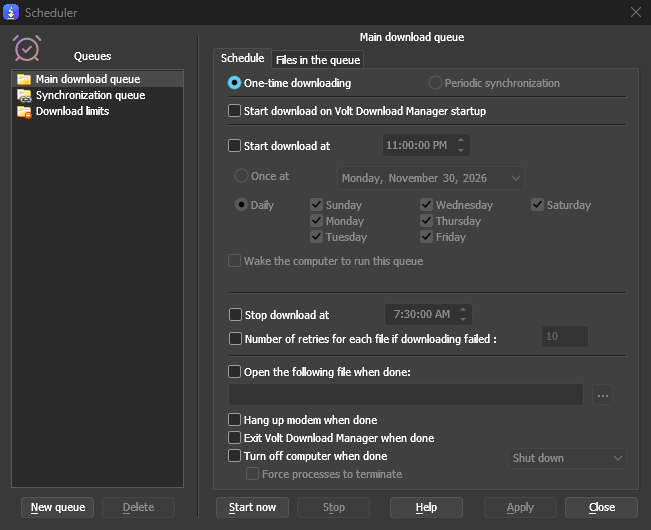
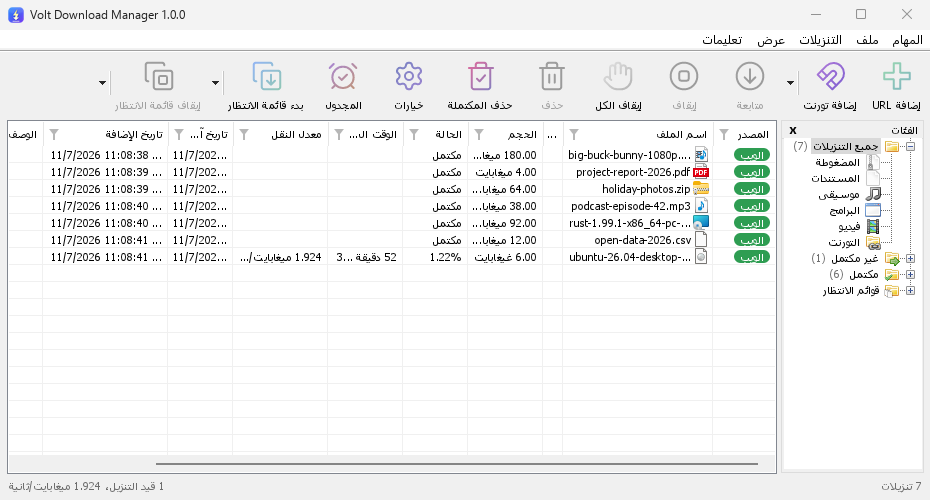
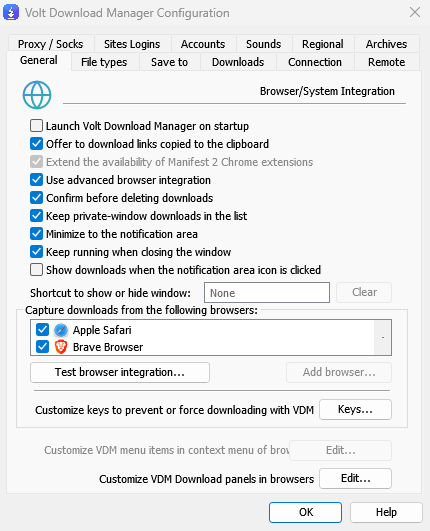
Everything in the box.
Each feature has a page of its own, with the real window, where to find it, and what it can't do yet.
Contents27 features, every one free
Downloading
- Acceleration and resumeA file split over up to 32 connections, re-split until the last byte, and resumed after any crash.
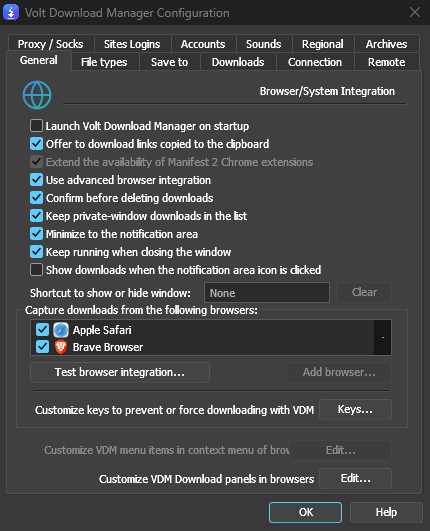
- Browser extensionDownloads you click in Chrome, Edge, Brave, Opera, Vivaldi or Firefox go straight to VDM, sign-in included.
- Video downloadsVideos from YouTube, Vimeo, TikTok and well over a thousand other sites, in the quality you choose.
- Image galleriesPaste a gallery's address and VDM saves all its pictures into a folder of their own.
- TorrentsMagnet links and .torrent files beside your other downloads, queued and scheduled like any of them.
- Debrid accountsFile-host links unlocked through Real-Debrid, AllDebrid, Premiumize or Mega-Debrid, then downloaded with VDM's speed and resume.
- Link grabberA page's links gathered, sorted into packages and checked online, then the archives unpacked when they arrive.
- Batch downloadsOne address with an asterisk fetches a numbered series; a text file of links adds them all.
- RSS feedsFollow torrent feeds, and let rules add the new episodes you want, each one only once.
Organising
- Scheduler and queuesQueues started and stopped by the clock, a few files at a time, the computer off at the end.
- Speed limiterOne cap for all of VDM, a limit per file, and full speed when you're away.
- CategoriesDownloads sorted by type into folders of their own, with Finished and Unfinished one click away.
- Archives extractedZIP, TAR and more extracted as they arrive, 7z and RAR with 7-Zip, split archives once complete.
- Verify checksumPaste the checksum a site publishes, and VDM says plainly whether your file matches it.
- Moving from IDMYour IDM list comes over in one file, each download with its address, referrer and cookies.
Network
- Network adapterEvery connection VDM opens goes out through the adapter you pick, and stops when it disconnects.
- DNS and proxiesThe system's proxy, your own, a SOCKS proxy or your network's auto-config script.
- Remote controlPaste a link on your phone and the computer downloads it. Watch and pause from anywhere at home.
- Server modeVDM without a window on a NAS, in Docker or on Unraid, fed from your phone or browser.
The app
- Notification areaStarts with the computer in the notification area, and hides progress windows there while they run.
- ThemesNine looks, light and dark, from Classic to Aqua, or your own in a text file.
- Crash reportsA crash or freeze opens a report you read first, then send on GitHub yourself if you want.
- 87 languagesEvery display language Windows 11 offers, picked by flag, with Arabic, Hebrew and Persian right to left.
- Windows, Mac and LinuxStable on Windows 10 and 11, installed or portable, and on Linux; macOS builds to try with every release.
- AccessibilityWorks with Narrator and NVDA, and everything can be done from the keyboard, menus and dialogs included.
- Command lineIDM's command-line switches, a terminal downloader with JSON output, and a local API for other programs.
- AI assistantsClaude, Cursor, VS Code and other MCP assistants can list, add, pause and resume your downloads.
Faster than IDM. Timed to the millisecond.
Our benchmark, replayed: both programs on one PC, downloading from a test server on that same PC (a loopback test), the median of alternating runs. It times the programs, not your internet connection.
Volt Download ManagerSigned for, around the world.
What the stores count, and what people wrote in their own words and languages. Every quote is exact and links to where it was written.
Proof of deliveryFigures as of · quotes exact, linked to their source
- GitHub Releases
- 12+ downloadson GitHub, every version together
Get Volt Download Manager 1.0.0
Free for everyone, forever. No sign-up, no ads, nothing bundled.
Delivery optionsVersion 1.0.0 · free for everyone
-
Windows 10 and 11
- Installer
- setup.exe — connects your browsers
- Portable
- portable.zip — runs from a folder or USB stick
- Needs
- 64-bit Windows 10 or 11, about 100 MB
The browser extension comes with the app (Chrome, Edge, Brave, Opera, Vivaldi and Firefox) and as its own download, to add by hand. Every file is built from the public source and listed with its SHA-256 checksum, signed with VDM's release key.
It's a desktop app: open this page on your computer to download it.
Works with what you already use
Your browsers hand it their downloads, and proven open-source tools do the specialist work. Set up the extension.
Browsers
 ChromeGoogle
 EdgeMicrosoft
 Brave
 Opera
 Vivaldi
 FirefoxMozilla
Protocols
- HTTPand HTTPS
- FTPand FTPS
- BitTorrentDHT and trackers
- Magnetlinks
- SOCKS5and HTTP proxies
- PACproxy scripts
- IDMlist import
Built on
- yt-dlpvideo from thousands of sites
- ffmpegmerges picture and sound
- librqbittorrent engine
- rustlsencryption
87 languages, right to left too
The app comes in 87 languages, every one Windows 11 offers. It follows your computer's language, and you can switch any time in View → Language.
Most translations were made by machine and are waiting for a native speaker. Help with yours.
 English
 العربية
 Français
 Deutsch
 Español
 日本語
 Português
 Русский
 हिन्दी
 Türkçe
 فارسی
 简体中文
- + 74 more
Volt Download Manager and IDM, side by side.
Internet Download Manager is the long-established paid download manager for Windows, and the design we grew up with. Here is what can be checked. Where it's ahead, we say so.
Volt Download Manager vs IDM 6.42Checked October 2026 · sources below
| Volt Download Manager | Internet Download Manager | |
|---|---|---|
| Price | Free | Paid licence after a 30-day free trial1 |
| Source code | Open (GPL-3.0) | Closed |
| 1 GiB over a fast link | 1.0 s | 5.5 s2 |
| A 256 KiB file | 0.03 s | 3.1 s2 |
| Server allowing 2 connections | Uses 2, done in 12.6 s | Opened 480, done in 15.9 s2 |
| Torrents and magnet links | Yes | Not offered on its website3 |
| Video from web pages | Yes, via yt-dlp | Yes, from web players3 |
| FTP and FTPS | Yes | Yes3 |
| Interface languages | 87, built in | About 40, as separate downloads3 |
| Browser extensions | Firefox, Chrome, Edge, Brave, Opera, Vivaldi | Chrome, Firefox, Edge3 |
| Systems | Windows 10/11 | Windows3 |
| Maturity | New | Refined over many years |
- "Try IDM 30-days free trial" — internetdownloadmanager.com; prices at its purchase page
- The benchmark Mister Download Manager published, whose download engine VDM uses unchanged: IDM 6.42 (licensed copy) and that engine on the same PC, downloading from a test server on that PC (loopback, no internet in between), in alternating runs; medians, Mann-Whitney p < 0.001 · charts, report and raw data
- internetdownloadmanager.com: supported Windows versions, browser extensions, video, FTP, scheduling and translations; no mention of BitTorrent or magnet links
In short
Volt Download Manager (VDM) is a free, open-source download manager for Windows 10 and 11, based on Mister Download Manager. It looks and works like Internet Download Manager (IDM), but it is free (GPL-3.0), its engine downloaded a 1 GiB file 5.4 times faster than IDM 6.42 in Mister Download Manager's published benchmark (a loopback test, from a server on the same PC), and also downloads torrents, magnet links and videos from web pages. A browser extension for Chrome, Edge, Brave, Opera, Vivaldi and Firefox hands downloads to it.
Volt Download Manager 1.0.0The facts
- Price
- Free forever, no ads, no trial
- Licence
- Open source, GNU GPL 3.0
- Systems
- Windows 10/11
- Downloads
- HTTP(S), FTP(S), torrents, magnets, video pages
- Speed
- Up to 128 connections per file, re-split as they go
- Languages
- 87, right to left included
- Privacy
- The app has no accounts, telemetry or tracking
- Version
- 1.0.0
Built in the open
Report what's broken, ask for what's missing, fix a translation or send a pull request. The maintainer reads every issue.
Found a bug? Help → Report a problem in the app opens an issue with your version, system and language filled in. Read it, then post it.
A few things to know before you start.
Is it really free?
Yes. It's open source under the GNU GPL, version 3. No trial, no paid edition, no registration key, no nag screen, no ads. More
Is it IDM?
No. It's an independent project with no connection to Tonec Inc. It's written in Rust (VDM is based on Mister Download Manager) and contains none of IDM's code or artwork. The layout follows the classic download manager because that's what many people know and like. More
Is it safe to install?
The whole source is public, and every release is built from it on GitHub's servers. No adware, no spyware, no bundled offers. The helpers it downloads for video are verified before they run. More
Can I move my downloads over from IDM?
Yes: export your list from IDM, then choose Tasks → Import → From IDM export file in VDM. More
Which browsers work with it?
Firefox, Chrome, Edge, Brave, Opera and Vivaldi through the extension that comes with the app. Without the extension, copy a link and VDM opens the download window. More
Mac or Linux?
Not yet: VDM is released for Windows 10 and 11 only for now.
Where can I get help?
The user guide covers every window, with step-by-step tutorials. Something broken? Open an issue on GitHub, or use Help → Report a problem in the app.
Your next download, faster.
Free and open source. Install it, click a link, and watch every connection at work.
Volt Download ManagerFree and open source · GPL-3.0
Delivered1 GiB in 1.01 s
- Postage
- Free
- Delivery
- 1 GiB in 1.0 s IDM: 5.5 s local test server
- System
- Windows 10 and 11
- Version
- 1.0.0 20.5 MB