

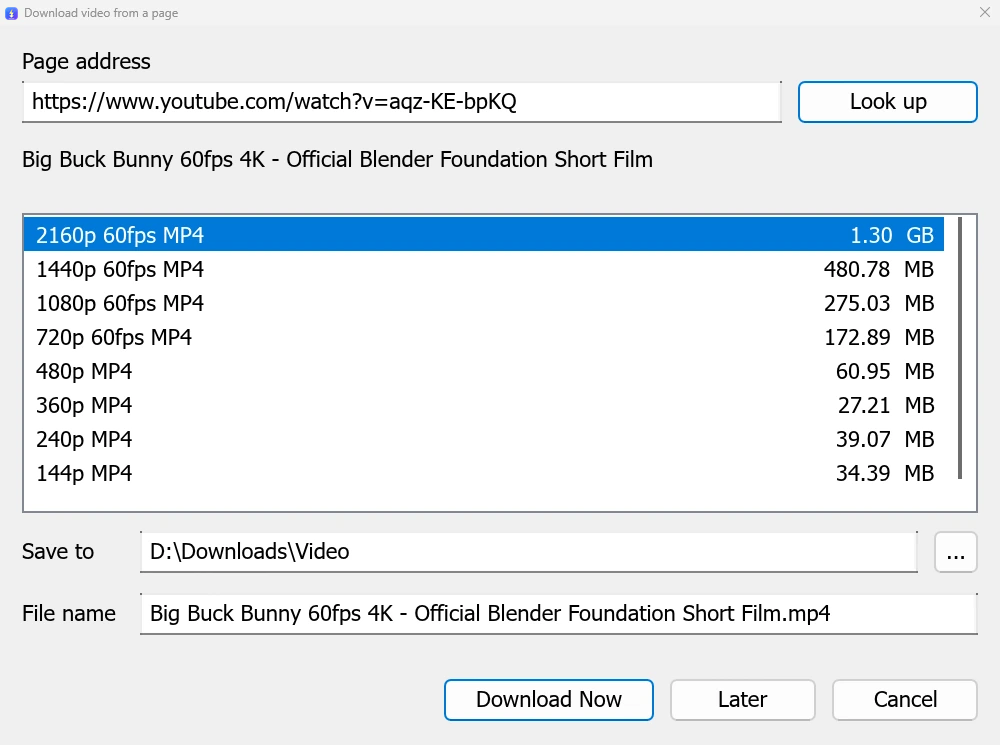
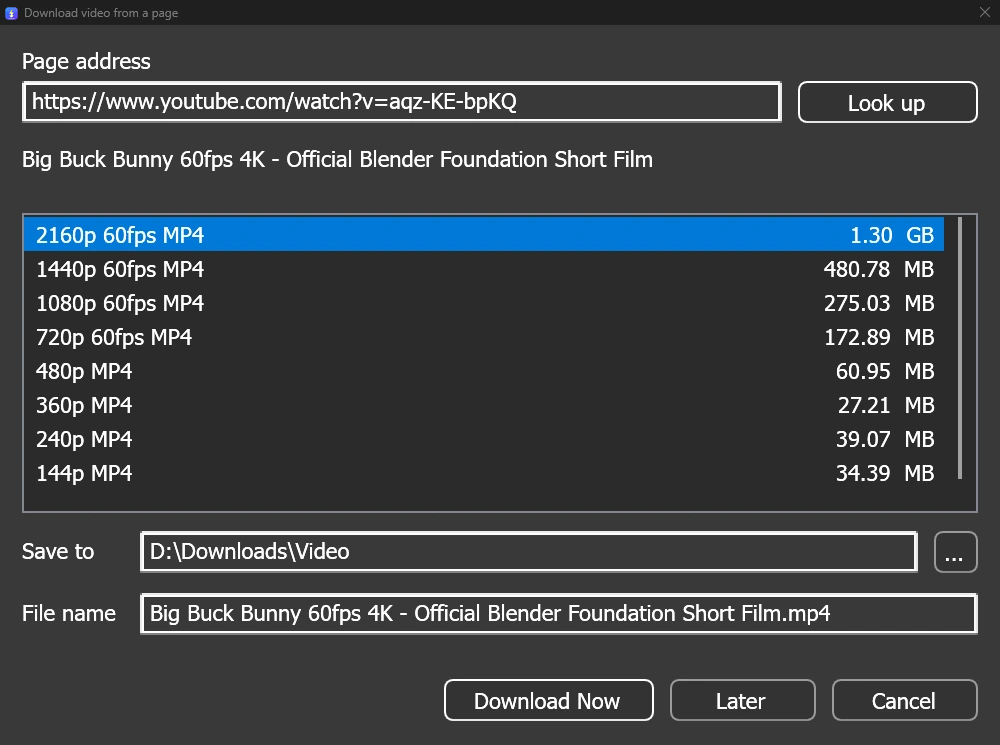
نافذة واحدة لأي صفحة فيديو
Give a video's page address to Add URL (Ctrl+N) and VDM sees that it is a video page: Download video from a page opens and looks it up. YouTube, Vimeo, Dailymotion, Twitch, TikTok, Instagram, Reddit and well over a thousand other sites work. With the browser extension, the button over a video opens the same window.
تعرض القائمة كل جودة مع حجمها، الأفضل أولا، والصوت وحده في النهاية. تحقق من حفظ في واسم الملف، ثم انقر على تنزيل الآن، أو لاحقا لوضعه في القائمة لوقت لاحق. يحصل الفيديو على صفه الخاص ونافذة التقدم، مثل أي تنزيل آخر.
برنامجان مساعدان، يتم التحقق منهما قبل الاستخدام
VDM doesn't do this alone, and doesn't pretend to. yt-dlp reads the page and downloads the video. ffmpeg joins the picture and the sound when a site keeps them apart, which most sites do for their higher qualities. VDM offers both on its first start and downloads them from their official releases, checked against what their publishers sign before it uses them. On Linux and macOS VDM uses the system's ffmpeg.
بدون ffmpeg، لا يزال بإمكانك الحصول على الجودات التي تأتي مع صوتها.
ما لن يفعله
Videos protected with DRM, as most paid streaming services use, can't be downloaded, and VDM doesn't try. Downloading may be against some sites' terms: checking that is up to you.
Sites change often, and a newer yt-dlp usually fixes a video that stopped working. VDM doesn't update yt-dlp on its own yet; the help shows how to get the newest one.
قوائم التشغيل والترجمات وMP3
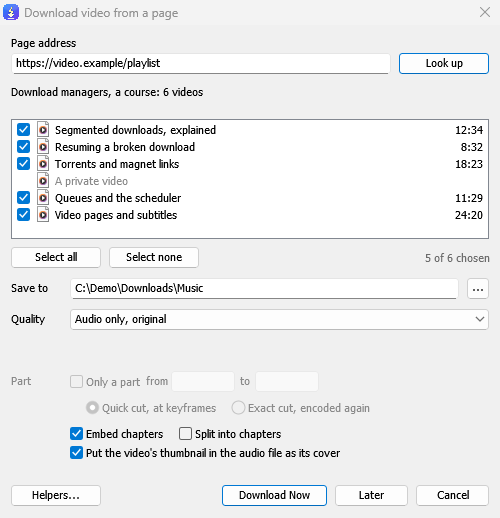
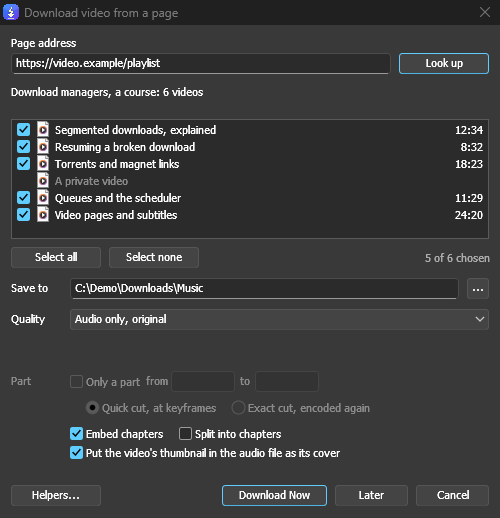
- قوائم التشغيل والقنوات: الصق عنوان قائمة تشغيل أو قناة وستعرض النافذة مقاطع الفيديو الخاصة بها، وكلها محددة. تنطبق جودة واحدة على جميعها، وتوضع في مجلد يحمل اسم القائمة. يتم عرض القناة 50 مقطع فيديو في كل مرة، مع عرض المزيد.
- الترجمات: لغات القائم بالتحميل أولا، ثم التسميات التوضيحية التلقائية للموقع. يتم حفظها بجانب الفيديو، أو توضع داخل ملف MP4 أو MKV باستخدام ffmpeg.
- الصوت وحده: صوت فقط MP3 بأفضل معدل بت متغير أو 320، 256، 192 أو 128 كيلوبت في الثانية، صوت فقط OPUS، وصوت فقط FLAC، مع ملاحظة صادقة بأن FLAC لا يمكنه إضافة جودة لا يمتلكها صوت الموقع.
- Videos that need you signed in: the button over the video hands VDM the page's own cookies, so you're signed in as in the browser. For pasted links and playlists, Options → Sites Logins → Cookies for video sites lets yt-dlp read a browser's cookies, from the profile you choose: a separate one with a spare account works well. Chrome, Edge and Brave lock theirs on Windows, and the window says so; Firefox works. The help says more.
- yt-dlp وffmpeg الخاصان بك: تأخذ البرامج المساعدة... نسخة لديك بالفعل.
مجاني، مفتوح المصدر، بدون إعلانات، بدون فترة تجريبية.
Download Volt Download Manager