

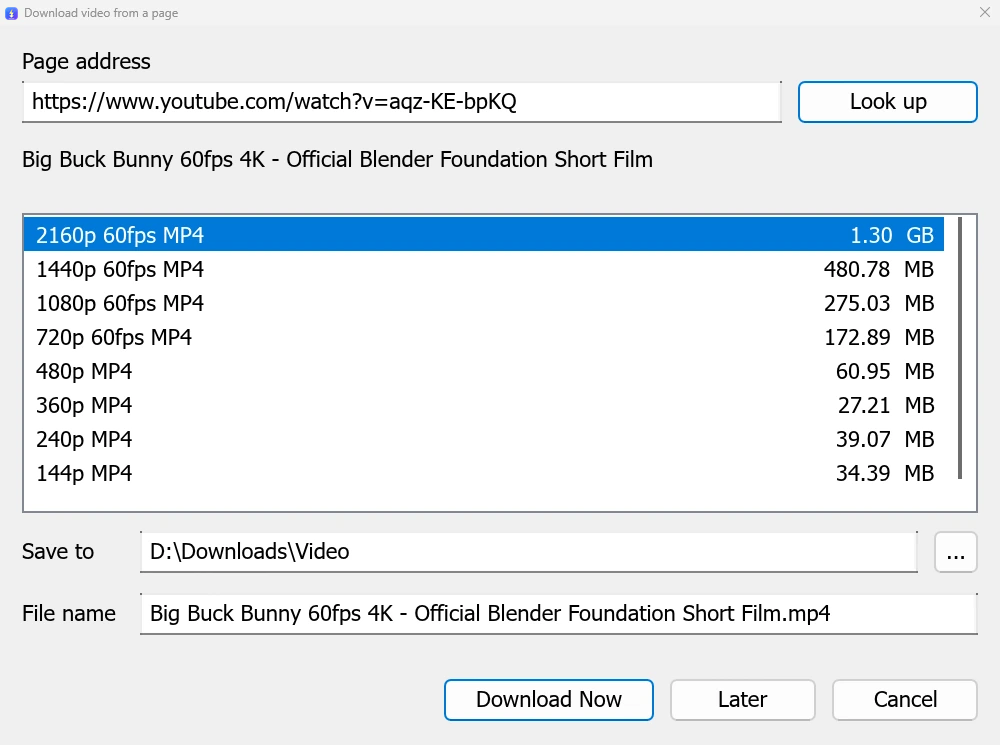
یک پنجره برای هر صفحه ویدئو
Give a video's page address to Add URL (Ctrl+N) and VDM sees that it is a video page: Download video from a page opens and looks it up. YouTube, Vimeo, Dailymotion, Twitch, TikTok, Instagram, Reddit and well over a thousand other sites work. With the browser extension, the button over a video opens the same window.
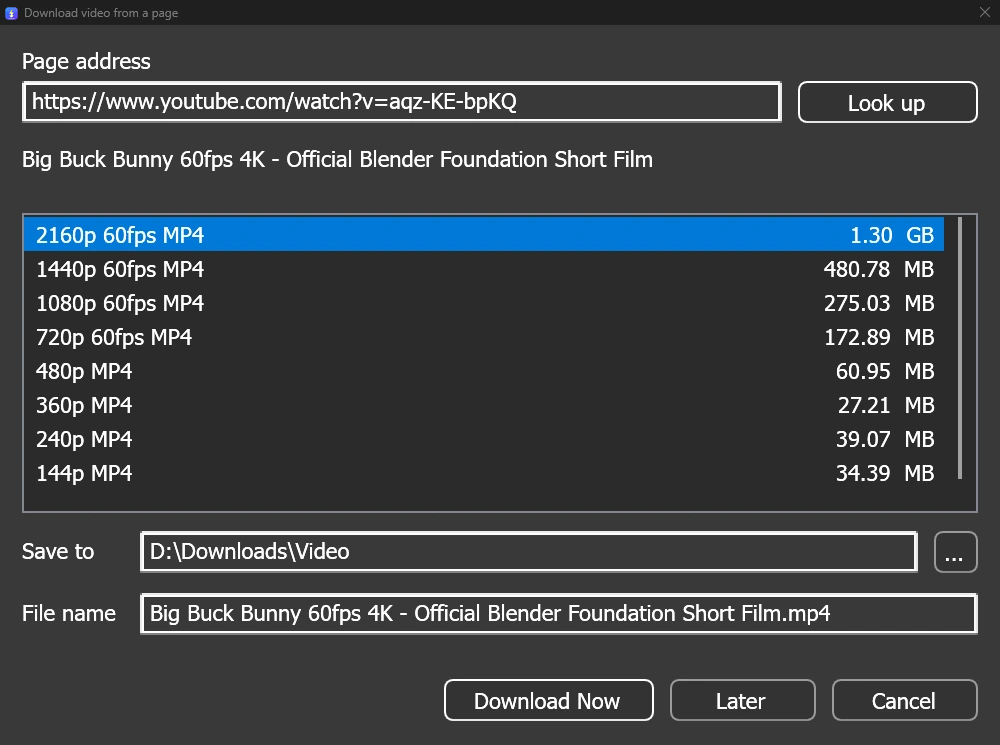
لیست هر کیفیت را با حجم آن، بهترین کیفیت در ابتدا و فقط صدا در انتها نشان میدهد. ذخیره در و نام فایل را بررسی کنید، سپس روی اکنون بارگیری کن کلیک کنید، یا بعدا را انتخاب کنید تا آن را برای بعدا در لیست قرار دهید. ویدئو مانند هر بارگیری دیگری، ردیف و پنجره پیشرفت مخصوص به خود را پیدا میکند.
دو کمککننده، پیش از استفاده بررسی میشوند
VDM doesn't do this alone, and doesn't pretend to. yt-dlp reads the page and downloads the video. ffmpeg joins the picture and the sound when a site keeps them apart, which most sites do for their higher qualities. VDM offers both on its first start and downloads them from their official releases, checked against what their publishers sign before it uses them. On Linux and macOS VDM uses the system's ffmpeg.
بدون ffmpeg همچنان کیفیتهایی را دریافت میکنید که همراه با صدای خود هستند.
چه کارهایی را انجام نمیدهد
Videos protected with DRM, as most paid streaming services use, can't be downloaded, and VDM doesn't try. Downloading may be against some sites' terms: checking that is up to you.
Sites change often, and a newer yt-dlp usually fixes a video that stopped working. VDM doesn't update yt-dlp on its own yet; the help shows how to get the newest one.
لیستهای پخش، زیرنویسها و MP3
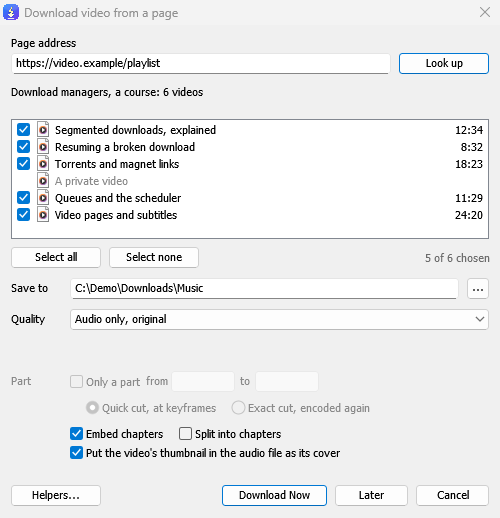
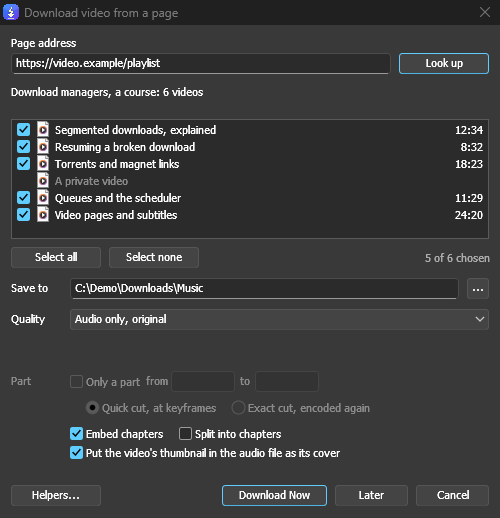
- لیستهای پخش و کانالها: آدرس یک لیست پخش یا کانال را بچسبانید تا پنجره ویدئوهای آن را لیست کند، همه تیکخورده. یک کیفیت برای همه آنها اعمال میشود و آنها در پوشهای به نام لیست قرار میگیرند. یک کانال 50 ویدئو در هر بار لیست میشود، با بارگذاری بیشتر.
- زیرنویسها: ابتدا زبانهای آپلودکننده، سپس زیرنویسهای خودکار سایت. آنها کنار ویدئو ذخیره میشوند، یا با ffmpeg در یک فایل MP4 یا MKV قرار میگیرند.
- فقط صدا: فقط صدای MP3 با بهترین نرخ بیت متغیر یا 320، 256، 192 یا 128 کیلوبیت بر ثانیه، فقط صدای OPUS و فقط صدای FLAC، با یک یادداشت صادقانه که FLAC نمیتواند کیفیتی را اضافه کند که صدای سایت ندارد.
- Videos that need you signed in: the button over the video hands VDM the page's own cookies, so you're signed in as in the browser. For pasted links and playlists, Options → Sites Logins → Cookies for video sites lets yt-dlp read a browser's cookies, from the profile you choose: a separate one with a spare account works well. Chrome, Edge and Brave lock theirs on Windows, and the window says so; Firefox works. The help says more.
- yt-dlp و ffmpeg خودتان: کمککنندهها... یک نسخهای را که از قبل دارید، میپذیرد.
رایگان، متنباز، بدون تبلیغات، بدون دوره آزمایشی.
Download Volt Download Manager