

Одне вікно для будь-якої відеосторінки
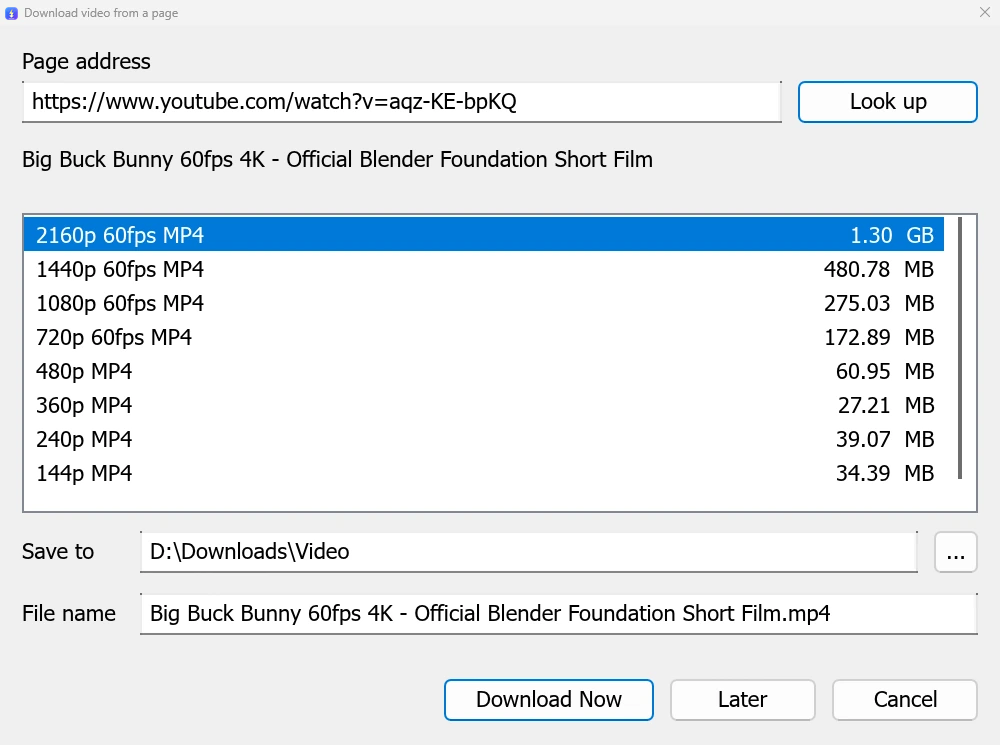
Give a video's page address to Add URL (Ctrl+N) and VDM sees that it is a video page: Download video from a page opens and looks it up. YouTube, Vimeo, Dailymotion, Twitch, TikTok, Instagram, Reddit and well over a thousand other sites work. With the browser extension, the button over a video opens the same window.
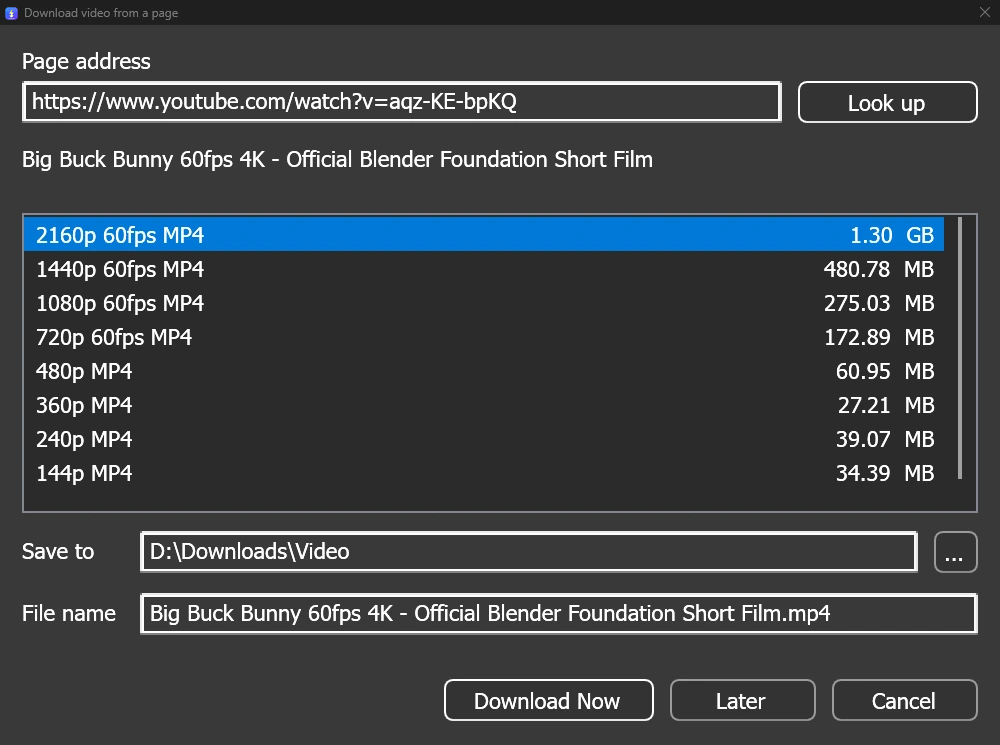
Список показує кожну якість з її розміром, найкращі спочатку, а лише звук — наприкінці. Перевірте Зберегти до та Ім'я файлу, потім натисніть Завантажити зараз або Пізніше, щоб додати його до списку для подальшого завантаження. Відео отримує свій рядок і вікно прогресу, як і будь-яке інше завантаження.
Дві допоміжні програми, перевірені перед використанням
VDM doesn't do this alone, and doesn't pretend to. yt-dlp reads the page and downloads the video. ffmpeg joins the picture and the sound when a site keeps them apart, which most sites do for their higher qualities. VDM offers both on its first start and downloads them from their official releases, checked against what their publishers sign before it uses them. On Linux and macOS VDM uses the system's ffmpeg.
Без ffmpeg ви все одно отримаєте якості, які постачаються зі звуком.
Чого він не робитиме
Videos protected with DRM, as most paid streaming services use, can't be downloaded, and VDM doesn't try. Downloading may be against some sites' terms: checking that is up to you.
Sites change often, and a newer yt-dlp usually fixes a video that stopped working. VDM doesn't update yt-dlp on its own yet; the help shows how to get the newest one.
Списки відтворення, субтитри та MP3
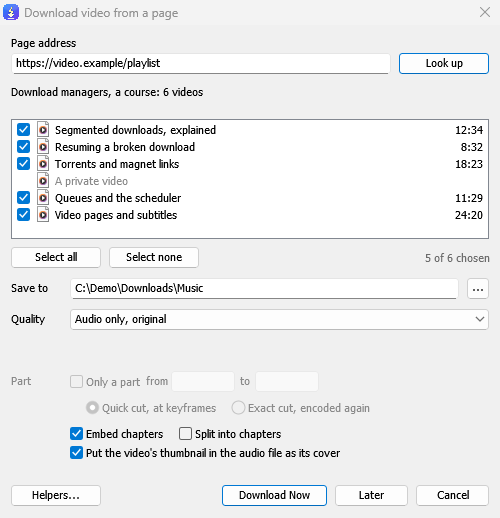
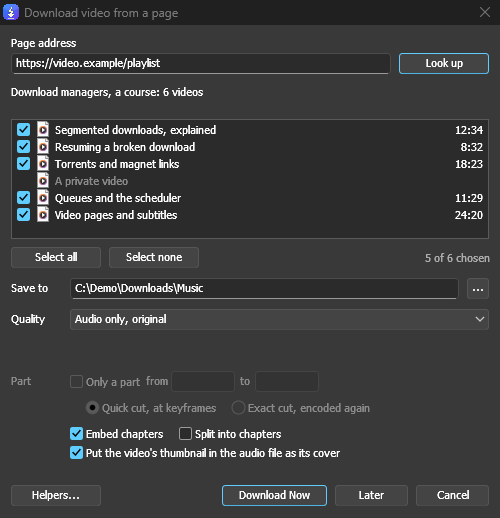
- Списки відтворення та канали: вставте адресу списку відтворення або каналу, і вікно покаже список його відео, всі позначені. Одна якість застосовується до всіх, і вони зберігаються в папці, названій на честь списку. Канал відображається по 50 відео за раз, з кнопкою Завантажити ще.
- Субтитри: спочатку мови завантажувача, потім автоматичні субтитри сайту. Вони зберігаються поруч із відео або додаються до файлу MP4 чи MKV за допомогою ffmpeg.
- Лише звук: Лише аудіо MP3 з найкращим змінним бітрейтом або 320, 256, 192 чи 128 кбіт/с, Лише аудіо OPUS та Лише аудіо FLAC, з чесним зауваженням, що FLAC не може додати якості, якої немає у звуку сайту.
- Videos that need you signed in: the button over the video hands VDM the page's own cookies, so you're signed in as in the browser. For pasted links and playlists, Options → Sites Logins → Cookies for video sites lets yt-dlp read a browser's cookies, from the profile you choose: a separate one with a spare account works well. Chrome, Edge and Brave lock theirs on Windows, and the window says so; Firefox works. The help says more.
- Ваші власні yt-dlp та ffmpeg: Допоміжні програми... приймає копію, яку ви вже маєте.
Безкоштовно, з відкритим кодом, без реклами, без пробного періоду.
Download Volt Download Manager