

- Inicio
- Características
- Descargas de vídeo
Pega la página de un vídeo. Elige la calidad.
VDM downloads videos from their web pages with yt-dlp, the open-source tool whose community keeps it working as sites change. You pick the quality; the video joins your other downloads.
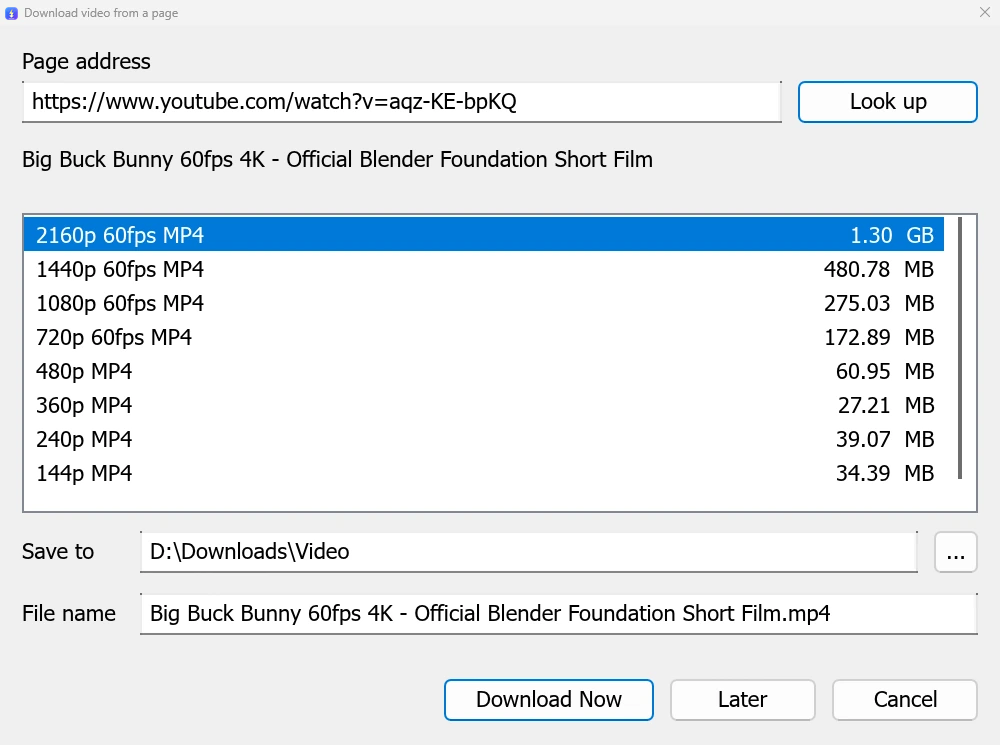
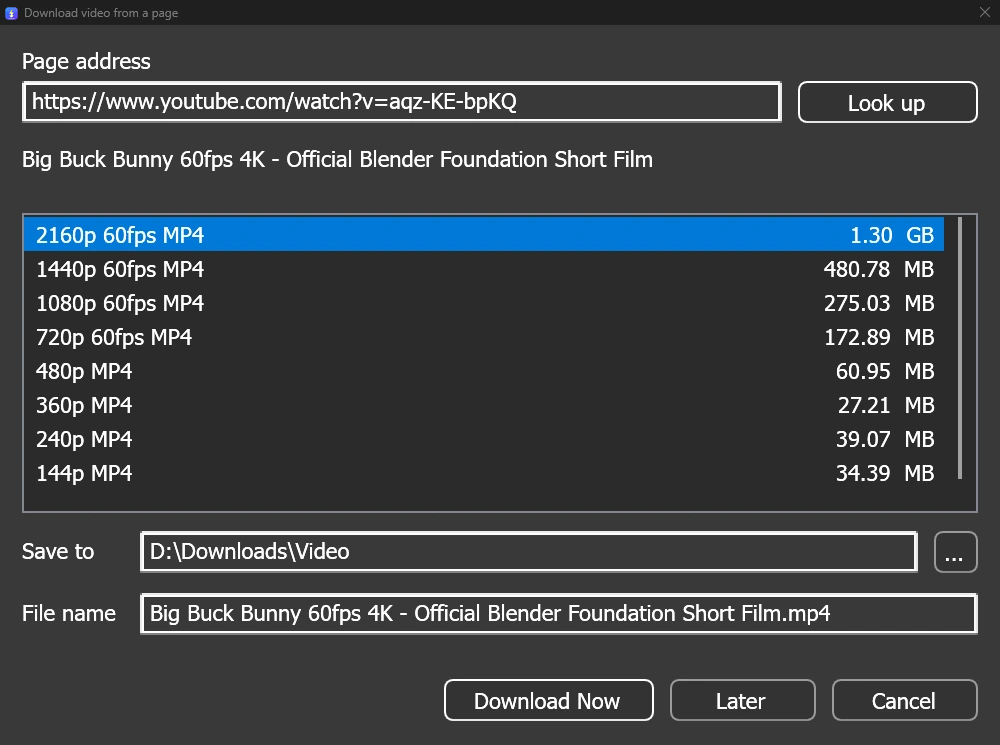
Una ventana para cualquier página de vídeo
Give a video's page address to Add URL (Ctrl+N) and VDM sees that it is a video page: Download video from a page opens and looks it up. YouTube, Vimeo, Dailymotion, Twitch, TikTok, Instagram, Reddit and well over a thousand other sites work. With the browser extension, the button over a video opens the same window.
La lista muestra cada calidad con su tamaño, la mejor primero, y solo el sonido al final. Comprueba Guardar en y Nombre de archivo, luego haz clic en Descargar ahora, o en Más tarde para añadirlo a la lista para después. El vídeo obtiene su propia fila y ventana de progreso, como cualquier otra descarga.
Dos ayudantes, comprobados antes de usar
VDM doesn't do this alone, and doesn't pretend to. yt-dlp reads the page and downloads the video. ffmpeg joins the picture and the sound when a site keeps them apart, which most sites do for their higher qualities. VDM offers both on its first start and downloads them from their official releases, checked against what their publishers sign before it uses them. On Linux and macOS VDM uses the system's ffmpeg.
Sin ffmpeg, seguirás obteniendo las calidades que vienen con su sonido.
Lo que no hará
Videos protected with DRM, as most paid streaming services use, can't be downloaded, and VDM doesn't try. Downloading may be against some sites' terms: checking that is up to you.
Sites change often, and a newer yt-dlp usually fixes a video that stopped working. VDM doesn't update yt-dlp on its own yet; the help shows how to get the newest one.
Listas de reproducción, subtítulos y MP3
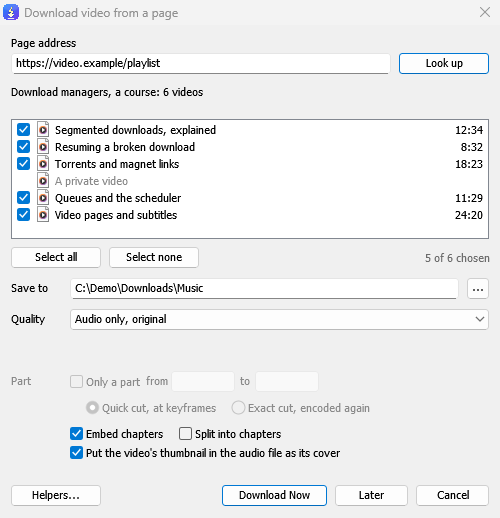
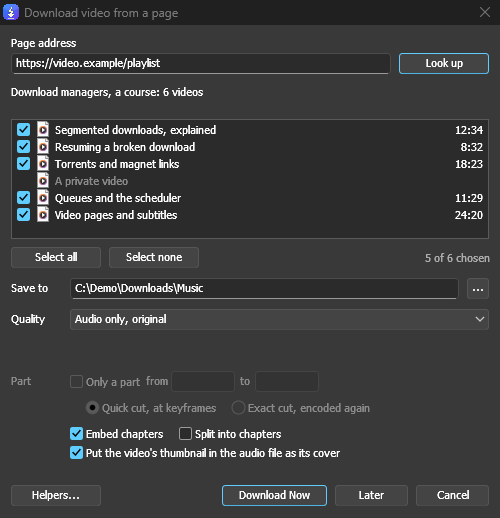
- Listas de reproducción y canales: pega la dirección de una lista de reproducción o de un canal y la ventana lista sus vídeos, todos marcados. Una calidad se aplica a todos ellos, y se guardan en una carpeta con el nombre de la lista. Un canal se lista de 50 vídeos en 50 vídeos, con Cargar más.
- Subtítulos: primero los idiomas del cargador, luego los subtítulos automáticos del sitio. Se guardan junto al vídeo, o se insertan en un archivo MP4 o MKV con ffmpeg.
- Solo el sonido: Solo audio MP3 con la mejor tasa de bits variable o a 320, 256, 192 o 128 kbps, Solo audio OPUS, y Solo audio FLAC, con una nota honesta de que FLAC no puede añadir calidad que el sonido del sitio no tenga.
- Videos that need you signed in: the button over the video hands VDM the page's own cookies, so you're signed in as in the browser. For pasted links and playlists, Options → Sites Logins → Cookies for video sites lets yt-dlp read a browser's cookies, from the profile you choose: a separate one with a spare account works well. Chrome, Edge and Brave lock theirs on Windows, and the window says so; Firefox works. The help says more.
- Tu propio yt-dlp y ffmpeg: Ayudantes... toma una copia que ya tengas.
Gratis, código abierto, sin anuncios, sin prueba.
Download Volt Download Manager