

Set up the extension once, and every download link you click in Firefox, Chrome, Edge, Brave, Opera, Vivaldi or Helium goes to VDM.
Prima di iniziare
On Windows, VDM must be installed with the setup, with Set up browser integration (Chrome, Edge, Brave, Firefox) ticked. It is ticked by default. If you're not sure, run the setup again. A portable copy can't do this. On Linux and macOS, start VDM once: it sets browser integration up itself.
VDM's Add Volt Download Manager to your browser window, which opens at each start until a browser's extension has reached VDM, does the steps below for you: Add the extension opens the store's page in that browser.
Una volta configurato, un collegamento di download funziona così:
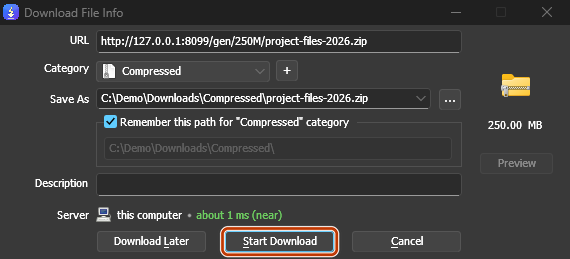
Click a download link in the browser: Download File Info opens in VDM. 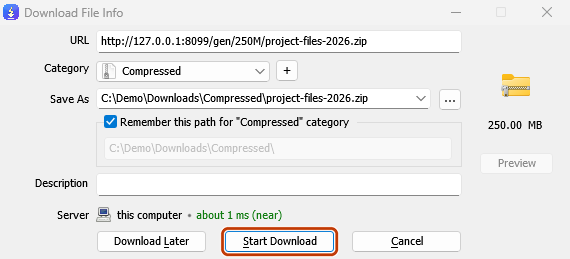
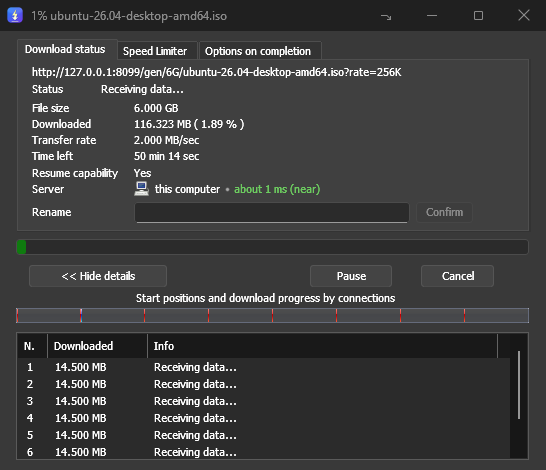
Avvia download: la finestra di avanzamento mostra il download in corso. 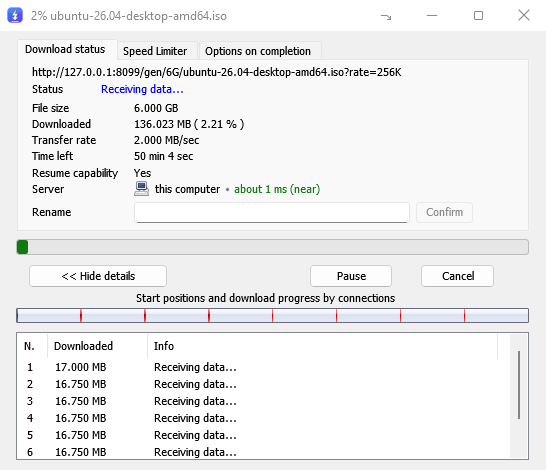
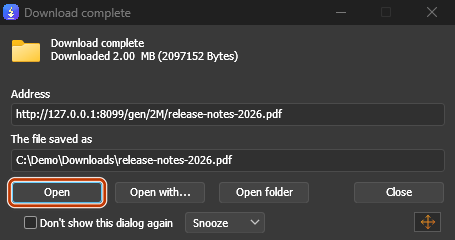
Download completato: apri il file o apri la cartella. 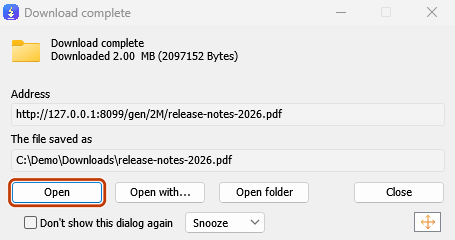
In Firefox
- Open the add-on's page on addons.mozilla.org, Volt Download Manager, and click Add to Firefox. Zen and LibreWolf use the same page.
- Firefox chiede conferma: fai clic su Aggiungi. Firefox mantiene aggiornato il componente aggiuntivo.
- Go to a web page and click a download link, for example a ZIP or an EXE: VDM opens Download File Info. Click Start Download.
In Chrome, Edge, Brave, Opera o Vivaldi
- Open the extension's page in the Chrome Web Store, Volt Download Manager, and click Add to Chrome. In Edge the button is Get, and Edge first asks to Allow extensions from other stores: click Allow.
- Il browser chiede conferma: fai clic su Aggiungi estensione. Il browser mantiene aggiornata l'estensione.
- Go to a web page and click a download link, for example a ZIP or an EXE: VDM opens Download File Info. Click Start Download.
Helium la installa dalla stessa pagina, a condizione che Helium possa scaricare le estensioni: vedi Helium.
Senza lo store
Quando un browser non può usare il suo store (per esempio su un computer gestito da un'organizzazione o con una build personalizzata), aggiungi l'estensione manualmente:
- Apri la pagina delle estensioni del tuo browser: digita
chrome://extensions,edge://extensionsobrave://extensionsnella barra degli indirizzi. - Attiva la Modalità sviluppatore.
- Fai clic su Carica estensione non pacchettizzata.
- Choose the
extension\chromiumfolder inside VDM's folder. If you installed VDM for yourself, that is%LOCALAPPDATA%\Programs\Volt Download Manager\extension\chromium; you can paste that path into the folder box. - Volt Download Manager appears. Make sure it is turned on.
- Vai a una pagina web e fai clic su un collegamento di download, per esempio un ZIP o un EXE.
- VDM opens Download File Info instead of the browser downloading the file. Click Start Download.
You don't need to start VDM first: if it isn't running, it starts by itself.
Choose what VDM takes
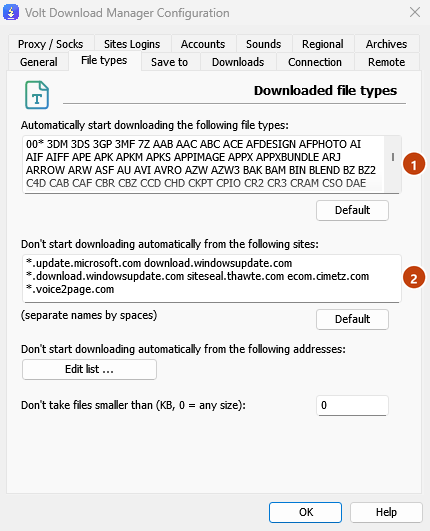
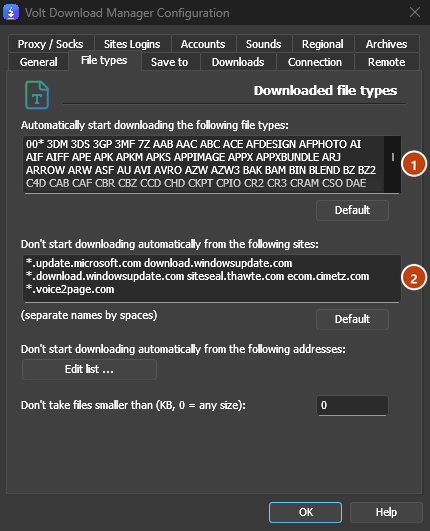
- Tipi di file: Opzioni → Tipi di file → Avvia automaticamente il download dei seguenti tipi di file. Aggiungi o rimuovi i tipi, separandoli con spazi.
- Siti da ignorare: Opzioni → Tipi di file → Non avviare automaticamente il download dai seguenti siti. Aggiungi il nome del sito, ad esempio
example.com: coprewww.example.come gli altri sottodomini del sito, e i file a cui le sue pagine si collegano su un altro server. - One browser only: Options → General → Capture downloads from the following browsers. Untick the ones VDM should leave alone.
Everything VDM doesn't take stays with the browser.
Scarica un collegamento che il browser aprirebbe
Links to a PDF or a video file, which the browser would open itself, go to VDM too when their type is listed. To leave one to the browser, hold Alt while clicking it: the browser opens it as a plain click would. Any other link: right-click it and choose Download with Volt Download Manager, which takes any type.
Passi successivi
- Integrazione con i browser nel dettaglio (Firefox, finestre private, cosa viene inviato) →
- Se il browser non passa i download a VDM →
- Scaricare durante la notte →
Gratuito, open source, senza pubblicità, senza periodo di prova.
Download Volt Download Manager